Playing browser games: saves, smooth play and phone tips
Browser games load in seconds and need no installation. A few simple habits make them even better: keeping your progress, getting smooth frame rates and playing comfortably on a phone.
How your progress is saved
Every game on My Game Basket saves your progress in your browser, using a feature called local storage. Levels, stars, coins, best scores and settings are kept on your own device. There is no account to create and nothing to sign in to.
That has a few practical consequences:
- Progress belongs to one browser on one device. Your phone and your laptop each keep their own progress, and so do two different browsers on the same computer.
- Private or incognito windows forget. When you close a private window, its storage is cleared, and so is your progress. Use a normal window for games you want to continue.
- Clearing site data resets the games. If you clear your browser's cookies and site data for mygamebasket.com, your saves go with them. Many browsers let you clear data for other sites while keeping this one.
Smooth play
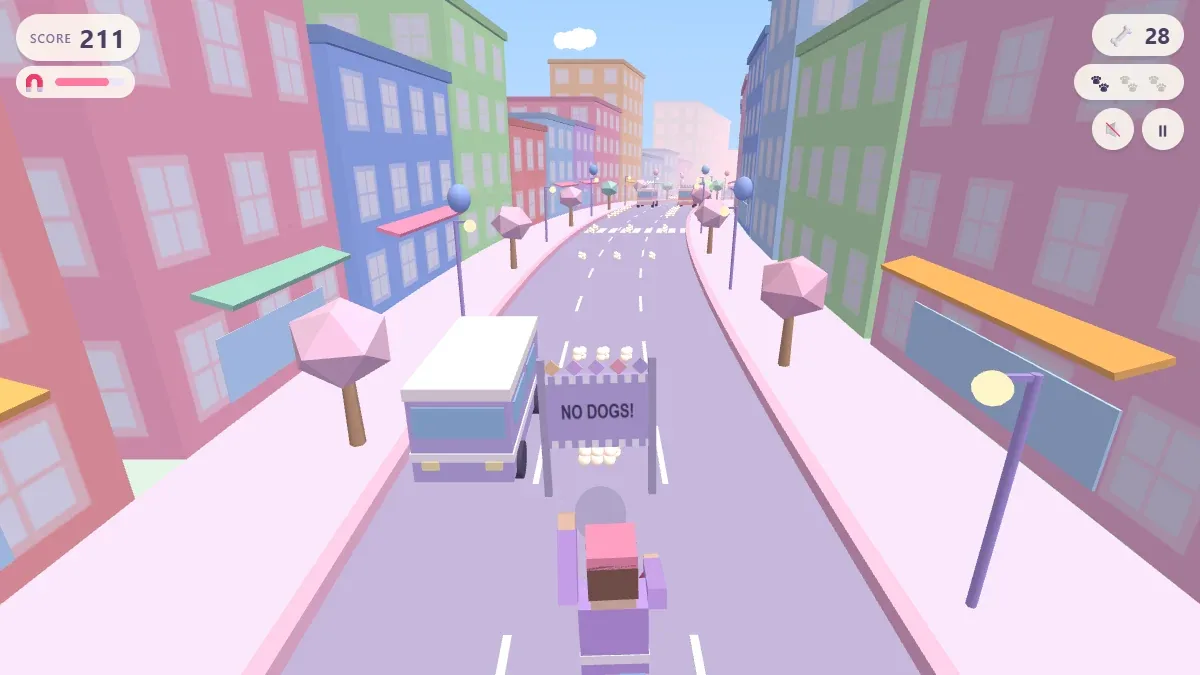
Most of our games are light and run well on almost anything. The 3D games, Dog Escape and Breach Squad, ask more of your device. If a game feels slow:
- Close other tabs, especially video and other games, which compete for the same graphics power.
- Plug in a laptop. Many laptops slow their graphics down on battery to save power.
- Keep your browser up to date. Newer versions of Chrome, Edge, Firefox and Safari are faster at graphics.
- Turn on hardware acceleration in your browser settings if it has been switched off.
Our 3D games need a browser with WebGL, which nearly every phone and computer from the last several years supports. Without it, those games cannot start, while the other games still work.
The first load
The first time you open a game, your browser downloads its files. Most of our games are small, but a few, such as Dots and Boxes, are larger and take a little longer on a slow connection. After that, your browser keeps a copy and the game opens much faster. If a game does not load, the page offers a Try again button.
Fullscreen and phones
- Use the fullscreen button on a game page to give the game the whole screen. On iPhones, where browsers do not support fullscreen for web pages, the button is hidden.
- Add the site to your home screen. On Android, open the browser menu and choose "Add to Home screen". On an iPhone, tap Share, then "Add to Home Screen". The site is then one tap away.
- Turn your phone if a game looks cramped. Some games suit portrait and others landscape, and all of ours adapt to either.
Sound
Browsers only allow games to play sound after you have tapped or clicked on the page, so the first sound may wait for your first tap. Each game has its own sound button. If you hear nothing, check that the game's sound is on, your device is not muted, and the browser tab is not muted.
Taking breaks
Short games are designed for short breaks. The action games pause or go quiet when you switch to another tab, and most games can be paused from the keyboard with Esc. Your progress is saved as you go, so you can stop at any time and continue later.
Need more help?
Our player help page covers loading problems and saves in more detail. If something still does not work, contact us with the game's name, your device and browser, and what happened.
Questions players ask
Why did my progress disappear?
Progress is saved in your browser. Using a private window, a different browser or device, or clearing site data for mygamebasket.com starts the games over.
Do I need an account?
No. There are no accounts. Everything you need is saved in your browser on your device.
Why is there no sound?
Browsers only allow sound after you tap or click on the page. Also check the game's own sound button, your device volume and whether the tab is muted.
A game will not load. What can I try?
Use the Try again button, check your connection and close other heavy tabs. The 3D games also need WebGL, which nearly every modern device has. Our player help page covers more fixes.